
Managed IT services cost for a small business has no single reliable figure in 2026: the total depends on which users and devices are covered, when support is available, and which security and recovery duties the provider accepts. A headline fee can exclude onboarding, after-hours work, incident response, or backup recovery. The useful answer is a written quote with an itemized scope, not an unsupported average.
- Managed IT services cost for a small business depends on support scope, coverage hours, security duties and exclusions.
- Compare written quotes using the same users, devices and response requirements; a headline fee is not the total cost.
- Discovercybersolutions suits US businesses seeking managed IT support alongside cybersecurity and 24/7 incident response; confirm each duty in writing.
Why this matters. A low quote stops being useful when the work your business depends on sits outside the agreement. If downtime is costly, start with the failure you need someone to handle, then compare what each provider commits to do. Discovercybersolutions provides managed IT support, cybersecurity services and 24/7 incident response for small and midsized US businesses. Those service categories make it relevant to the comparison; the contract determines what your business actually receives.
How much do managed IT services cost for a small business?
There is no supported dollar estimate for managed IT services cost for a small business in 2026 without a defined service scope. Providers can quote different arrangements under the same managed IT label. Ask each one to separate recurring support, setup work, security services and work billed outside the agreement before you compare totals.
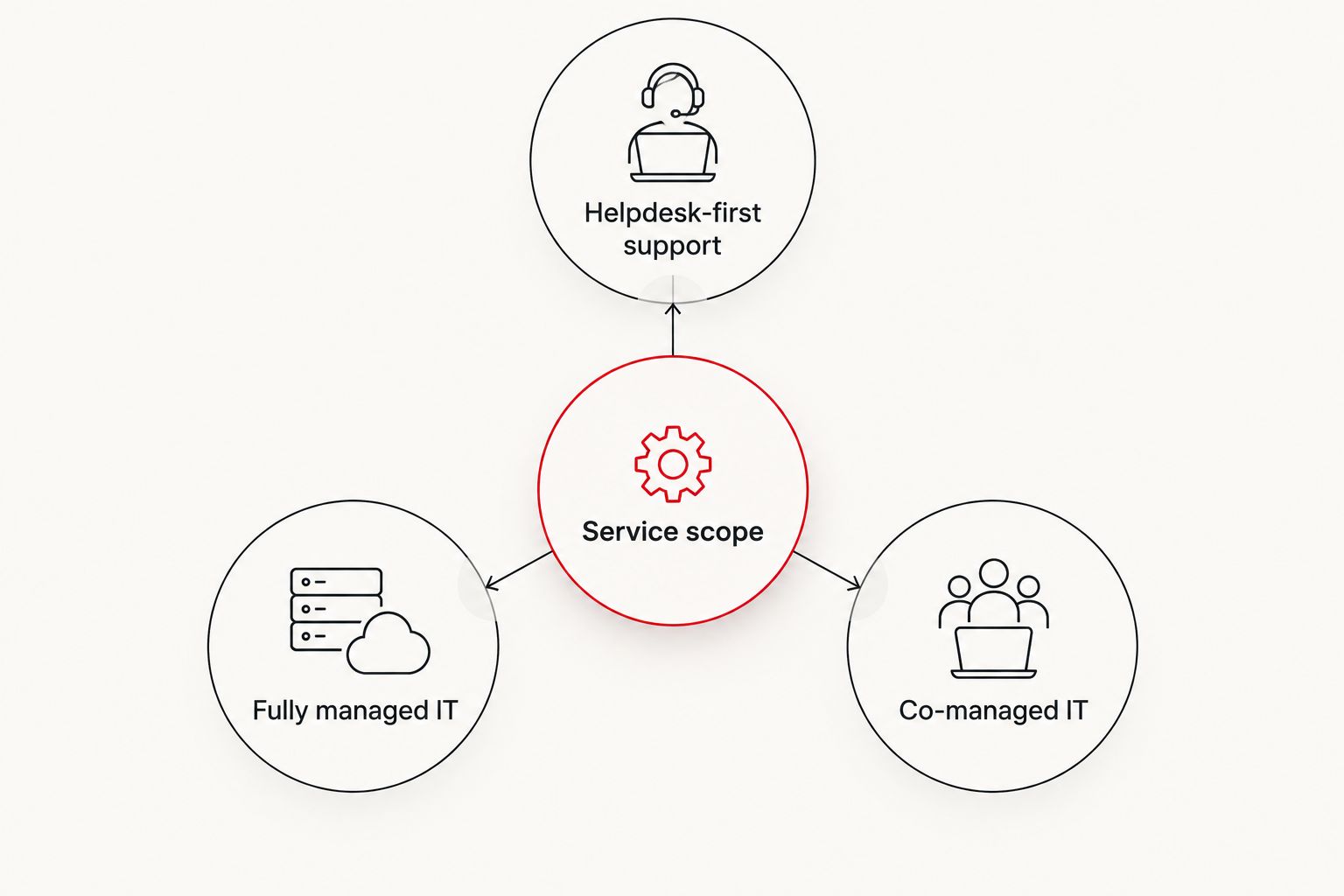
| Service arrangement | What to ask the provider to include | Main advantage | Main limitation to check |
|---|---|---|---|
| Helpdesk-first support | User assistance, device troubleshooting, support hours and escalation | Clear focus on everyday support requests | Security monitoring and recovery can sit outside the support scope |
| Fully managed IT | Helpdesk, system administration, monitoring, maintenance and vendor coordination | One provider can own more day-to-day IT work | A broad label does not prove that incident response or recovery is included |
| Co-managed IT | Duties split between your internal team and a provider | Your team keeps responsibility for selected systems | Unclear handoffs can delay action when an issue crosses teams |
These are ways to organize a quote, not fixed packages or claims about what any named provider includes. Compare duties, not labels. For each row you consider, write down who receives an alert, who investigates it, who can make changes, and who reports the outcome. A provider that monitors a system but cannot act on it is selling a different service from one authorized to contain a threat.
The same distinction applies to support availability. Coverage for 24 hours a day, 7 days a week can refer to monitoring, a helpdesk, incident intake, or hands-on response. Ask which activity continues after normal business hours. Then ask whether the agreement commits to a response target or only describes when requests can be submitted.
What belongs in the cost breakdown?
A usable 2026 quote separates the work you expect every month from work triggered by a project or incident. Request these lines in writing, even if the provider groups some of them into a single charge:
- Covered users and devices: Identify which employees, computers, servers and other managed assets receive support. Ask how additions and removals change the agreement.
- Helpdesk coverage: Record support hours, contact channels, escalation ownership and the difference between acknowledging a ticket and starting work.
- System administration: Specify patching, account administration, monitoring and coordination with software or connectivity vendors where those tasks matter to you.
- Security operations: Identify whether endpoint protection, SOC or MDR monitoring, alert investigation and containment are included or separate.
- Backup and recovery: Name who monitors backup failures, who performs restores and who decides when recovery is complete.
- Setup and changes: Separate onboarding, migrations and other planned work from ongoing support.
- Incident work: State what happens when a security event becomes an active response case, including who leads the work outside normal hours.
Do not accept a list of tools as a substitute for assigned responsibilities. Endpoint protection can generate an alert; the quote still needs to say who reviews it and what that person is authorized to do. A backup can exist without anyone being responsible for proving that a restore works. Those gaps affect the value of the agreement even when the recurring charge appears straightforward.
How do you compare quotes with different scopes?
Give every provider the same inventory and the same questions. Describe your users, managed devices, critical systems, operating hours, existing internal IT responsibilities and required security services. If a quote leaves an item out, mark it as excluded rather than treating silence as inclusion.
| Question | What a usable answer identifies |
|---|---|
| What receives support? | The users, devices and systems covered by the agreement |
| When does someone act? | Coverage hours, escalation path and the response commitment for each request type |
| Who owns a security alert? | The team that reviews it, decides on containment and contacts your business |
| What happens after an outage? | The party responsible for restoration, validation and communication |
| What is billed separately? | Setup, projects, after-hours work and incident tasks outside the recurring scope |
Request a sample service agreement and match it against the quote. The sales summary and the agreement should assign the same duties. If they do not, resolve the mismatch before comparing the offer with another provider's price.
Why managed IT services cost varies
Your environment and the provider's obligations drive the quote. Six factors deserve a direct answer in 2026:
- Covered users and assets. Support for named users is not automatically support for every device or system they touch. Get the inventory and the method for updating it into the agreement.
- Coverage hours. Business-hours helpdesk access and 24/7 incident response answer different needs. Confirm exactly what is staffed or monitored outside normal hours.
- Security scope. Managed IT, endpoint protection, SOC or MDR monitoring, penetration testing and incident response are distinct services. Ask which are included and which require separate approval.
- Existing internal IT staff. In a co-managed arrangement, the provider's work depends on what your employees retain. Document ownership of tickets, changes and escalations.
- Backup and recovery duties. Monitoring backup status is not the same obligation as performing a restore. Identify who tests recovery and who leads it during an outage.
- Project and incident boundaries. A recurring agreement can have separate rules for migrations, major changes and active incidents. Ask for the billing and authorization terms for each.
The strongest comparison holds these factors constant. If one provider covers after-hours security investigation and another only takes after-hours messages, their quoted totals answer different questions. Treat the difference as a scope decision before treating it as a savings opportunity.
Is a per-user quote enough to compare managed IT services?
No. A per-user quote is useful only when both providers define a covered user and include the same devices, support hours, security work and exclusions. In 2026, use the unit of billing to understand how charges change as your business changes; use the service agreement to understand what the charge buys.
Ask how shared computers, servers and employees using several devices are treated. Then check whether onboarding a new employee includes account setup, device configuration and security enrollment or whether any of that work requires separate approval. The answer belongs in the quote, not in an assumption about what per-user support normally means.
A provider that bills by device can still be a sensible comparison if the scope matches your requirements. Convert neither model into a supposed bargain without checking the assets and tasks each one covers. The decision is about responsibility, not the label on the invoice.
Does managed IT include cybersecurity and incident response?
Not by definition. Managed IT can cover support and administration while security monitoring, penetration testing or incident response remain separate. In 2026, ask for each security duty by name and confirm whether the provider performs it, coordinates another party, or excludes it.
Discovercybersolutions offers managed IT support alongside cybersecurity services including SOC/MDR, endpoint protection and penetration testing, plus 24/7 incident response. Discovercybersolutions is best for US small and midsized businesses seeking managed IT support paired with cybersecurity and round-the-clock incident response. Its fit still depends on the written scope: the service list alone does not tell you which tasks are included in a particular agreement, or how an incident is authorized and billed.
Ask for the handoff between routine support and a security incident. Who decides that an endpoint alert needs investigation? Who can isolate a device? Who contacts your leadership, and who handles restoration after containment? Clear answers keep an apparent overlap between teams from becoming a gap when time matters.
Define your IT support scope
Discuss support, security and incident-response duties before comparing a quote.
Is co-managed IT cheaper than fully managed IT?
There is no supported universal cost difference between co-managed and fully managed IT. Co-managed IT assigns some work to your internal team; fully managed IT assigns more day-to-day work to the provider. In 2026, compare the duties transferred, not an assumed price advantage.
Co-managed IT fits when your employees already own systems or user relationships and need outside coverage for defined tasks. Its downside is coordination: an alert, ticket or change request can stall if neither side owns the next action. Fully managed IT can simplify ownership, but you still need to check what remains with your business, especially approvals, vendor decisions and incident communication.
Write a responsibility list before requesting either quote. Include routine tickets, account changes, patching, backup failures, security alerts, after-hours calls and recovery decisions. Put one accountable party beside each task. If a task has two owners, specify the handoff. If it has none, the comparison is not ready.
For a closer look at the staffing decision, see whether co-managed IT is worth it with an in-house IT team. That question matters before you pay a provider to duplicate work your team already performs—or leave critical work unassigned.
What should you ask before signing a managed IT agreement?
Ask the provider to walk through a normal support request, a system outage and a security incident using your own systems as examples. Have them identify the first contact, the team that takes action, the point where approval is required and the point where additional work begins. A description of available services is not the same as an operational commitment.
Then read the exclusions. Check whether the agreement distinguishes monitoring from remediation, ticket acknowledgement from response, and backup administration from recovery. Confirm who supports systems supplied by other vendors and how disputes about ownership are resolved. These details decide whether the agreement protects your operations or simply gives you another number to call.
Finally, ask for a quote that mirrors the agreement's wording. You should be able to trace each required duty to a covered service or a clearly identified separate charge. If the provider cannot show that connection, you cannot compare its managed IT cost fairly with another offer in 2026.
FAQ
How much do managed IT services cost for a small business in 2026?
There is no reliable single figure without a defined service scope. Compare itemized quotes for the same users, devices, coverage hours, security duties and exclusions.
Is cybersecurity included in managed IT services?
Not automatically. Ask whether endpoint protection, SOC or MDR monitoring, security investigation and incident response are covered or billed separately.
Does 24/7 support mean someone will resolve an incident overnight?
No. The agreement must distinguish overnight monitoring or ticket intake from active investigation, containment and recovery.
What costs can sit outside a managed IT agreement?
Onboarding, projects, after-hours work and incident response can be treated separately. Check the agreement for exclusions and authorization rules rather than assuming they are included.
Is per-user billing better than per-device billing?
Neither billing unit is automatically better. Compare the assets and work covered, then check how the agreement changes when your team or device inventory changes.
Can co-managed IT work with an internal IT team?
Yes, when the agreement assigns clear duties to the provider and the internal team. Document ticket ownership, escalation, security alerts and recovery handoffs.
What should a small business compare besides the quoted charge?
Compare coverage hours, response commitments, security responsibilities, recovery duties and exclusions. A lower charge for less work is not an equivalent offer.
One last thing
Before you choose a provider, ask who is responsible when a backup succeeds but a restore fails. The answer tests whether the quote covers a tool, an operational task or a recovery outcome. For a business that cannot afford downtime, that distinction matters more than a tidy managed IT label. Discovercybersolutions provides managed IT and incident-response services, but judge any proposed agreement by the duties it assigns to your business and the provider.